

Spreadsheet to App: Turn Excel Into a Real App (and Keep the Sheet)
spreadsheetto.app turns Excel, Google Sheets, and CSV files into a web app with logins, forms, permissions, and automations, while your spreadsheet stays in place with two-way sync. The word2md team breaks down how it works and who it fits.
September 2026

We build word2md, a small tool that converts Word files to Markdown, so our daily work is files: docx, xlsx, pdf in, something usable out. Spend enough time here and a pattern shows up. The content inside a file is alive; the file itself is a dead container. A customer list sits in an xlsx and nobody can work with it — you share it, everyone downloads a copy, everyone edits their own, and a week later nobody knows which version is real. Someone on our team used to work on collaborative spreadsheet products and saw this at company after company: the filename evolves from clients.xlsx to clients-FINAL-v3-DONT-DELETE.xlsx. The spreadsheet isn't the problem. Using file-sharing as the way to collaborate is. We recently spent time with a new product that takes a clean swing at this: spreadsheetto.app. Its answer: turn the spreadsheet into an app.
What spreadsheetto.app is: three steps from Excel to app
One line: it converts your spreadsheet into a shareable web app, and your sheet keeps working the way it always did.
The flow is three steps:
- Drop your file in. Excel or CSV, or paste cells straight from Google Sheets.
- Press Start. You get two things back: a stronger sheet, and a real app sitting on the same rows.
- Share the app. You keep the grid. Everyone else gets the app.
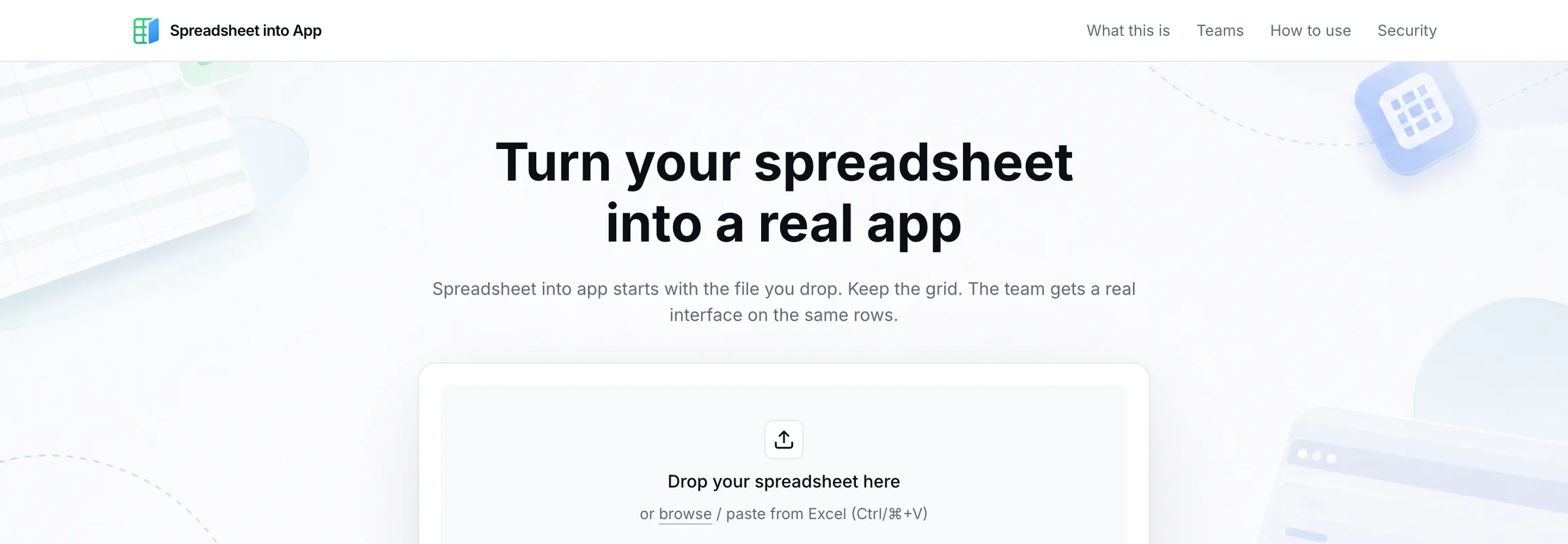
The site says you can start free, so trying it costs you one upload.
The core design: one set of rows, two doors
This is the part worth understanding.
Most tools in this space ask you to migrate. Move your data into the new system, change your habits. That's exactly what spreadsheet people resist. The formulas, the pivot tables, the muscle memory: migration throws all of it away.
spreadsheetto.app flips the direction. The data stays put, and the app grows on top of it.

The site puts it as “Same rows. Two doors.” You walk in through the grid. Your teammates walk in through the app. Change a cell, and both sides update. There is no second copy.
Anyone who has built collaboration software can read the subtext. This design kills the two diseases that actually destroy shared spreadsheets: version splits and permission chaos.
What you get on the app side: forms, logins, permissions, automations
The sheet side needs no explanation, you keep working there. The value shows up on the app side:
- Forms and lists: teammates never touch the grid. They submit through forms and browse through lists.
- Logins and permissions: email or Google sign-in. Open access, company-only, or invite-only. Role-based rights, so sales can edit while finance gets a read-only view.
- Automations: a new row can trigger an email. Approvals and reminders start running on their own.
- Dashboards: live charts for leadership. The numbers change, the chart follows. No more weekly hand-built decks.
For a non-technical team, that covers most internal-tool needs: intake forms, approval flows, pipeline tracking, inventory lookups.
You can take the code: real Next.js, self-hostable
This part matters if anyone on your team writes code.
The app is a real Next.js project, per the site. You can download it, push it to GitHub, and host it yourself. Under the hood it runs on Teable, an open-source Airtable-style database, which is where the confidence to hand you the code comes from.
The site's own line: “You bring the file. You can take the app.”
We build tools for a living, and the thing we watch for is data that goes in and can't come out. A code export is an exit door most competitors don't offer. Full disclosure: we haven't deployed an exported app ourselves yet. If you try it, tell us how it goes.
Security and who owns the rows
The site states the workspace is built to ISO 9001 and ISO 27001 controls, with an audit trail of who changed what.
For teams with sensitive data, that at least says security was designed in, not bolted on. Draw your own compliance conclusions.
Who should use it, and who should wait
Good fit:
- Small teams with mature Excel processes, where the pain is collaboration, not calculation
- Roles that collect and hand out data: sales, ops, HR, finance
- Companies that want an internal system but lack the budget and dev capacity
Wait:
- The sheet is yours alone and nobody else touches it
- Heavy dependency on complex formulas and macros; the app side won't replace those
- Systems with intricate business logic. Forms plus automations won't carry that. Hire a developer.
FAQ
Does my spreadsheet get replaced?
No. The site's line is “the spreadsheet stays, only stronger.” Edits sync both ways: change the grid and the app updates, and the other way around.
What can I upload?
Excel and CSV files, or you can paste data straight from Google Sheets.
Can I turn Excel into an app without coding?
Yes. Forms, permissions, and automations are all configured in the interface. Code is a bonus: if you have a developer, they can take the exported Next.js and run with it.
How do logins work?
Email or Google. Three access levels: open, company-only, invite-only. Permissions go down to who can edit and who can only view.
Can I self-host the app?
Yes. The app is a Next.js project you can download, push to GitHub, and deploy on your own infrastructure.
How does this relate to Airtable-style tools?
spreadsheetto.app is built on Teable, an open-source Airtable alternative. The difference is the starting point: it begins with the file you already have, and step one is converting your spreadsheet, not building a base from scratch.
One last thing
We built word2md because we disliked watching content get trapped in file formats. Word becomes Markdown so the content can be versioned, searched, and reused.
spreadsheetto.app does the same job for a different container. The data steps out of the file and becomes an app with logins, forms, and automations, while the sheet stays where it was.
If you have a spreadsheet that gets emailed around every day, drop it in. Next time someone asks for “the latest version,” send them a link instead.